

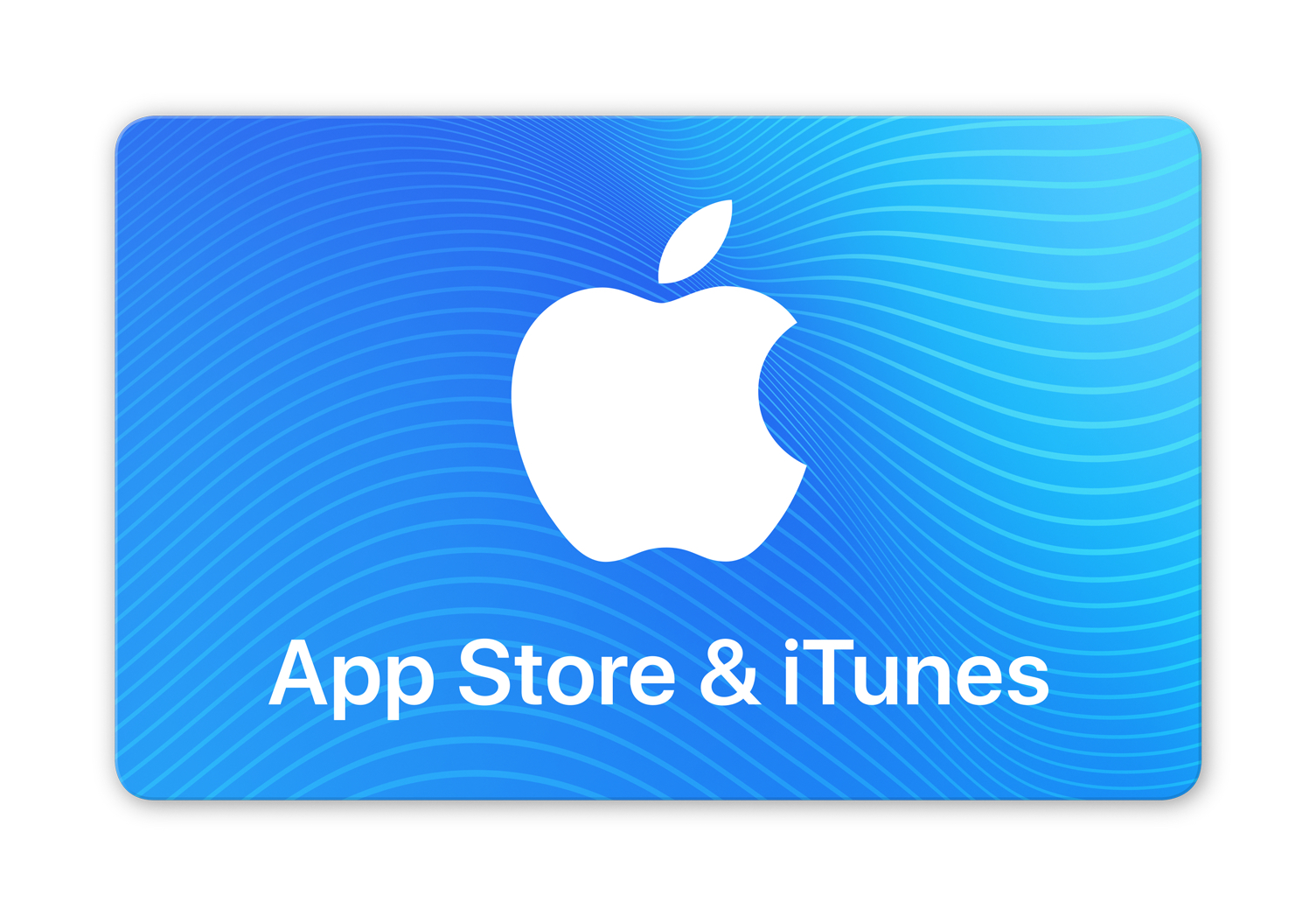
App Store & iTunes TRY
بطاقة رقمية
المنطقة: تركيا · تحقق من منطقة حسابك
Saisissez le montant de votre choix. Les boutons ci-dessous sont des raccourcis.
- بطاقة رقمية
- تحقق من منطقة حسابك
- الدعم عبر تذكرة
عن هذه البطاقة
طريقة الاستعمال
How to redeem the iTunes code on Mac? • Open the App Store on your Mac; • Sign-in or click on your profile name; • Select the Redeem Gift Card option; • Enter the purchased iTunes gift card code; • Finish the process by pressing Redeem
How to redeem the iTunes code on Windows PC? • Press the Account button on top of the iTunes window; • Click the Redeem option; • Sign-in with your Apple ID; • Enter the purchased iTunes gift card code; • Finish the process by pressing Redeem.
How to redeem the iTunes code on an Android device? • Open the Apple Music app on your Android device; • Press the menu button and select the Account option; • Choose the Redeem Gift Card or Code option; • Enter the purchased iTunes gift card code; • Finish the process by pressing Redeem.
شراء App Store & iTunes TRY في المغرب
اكتشف App Store & iTunes TRY على Key.ma ابتداءً من 2.68 درهم. اختر المبلغ المناسب وتحقق من توافق البطاقة مع منطقة حسابك. راجع الشروط قبل الطلب وتواصل مع الدعم عند الحاجة.
بطاقات Apple أخرى
أسئلة متكررة
كيفاش نتوصل ببطاقة Apple ديالي فالمغرب؟
راجع شروط App Store & iTunes TRY قبل الطلب. تختلف مواعيد التسليم حسب البطاقة وتوفرها.
شحال الثمن ديال App Store & iTunes TRY؟
App Store & iTunes TRY متوفر ابتداءً من 2.68 درهم، مع المبلغ المعروض. الأثمنة كتتحدّث بانتظام.
كيفاش نستعمل كود Apple؟
من بعد الأداء، كليكي على REDEEM فصفحة التسليم: الكود ديالك كيبان مع دليل استعمال مفصّل خطوة بخطوة خاص بمنطقة تركيا.